Learn to use xr/studio · 6/25/2026
This tutorial covers global and spatial audio in Cyango xr/studio how to add background music that plays across your entire scene and positional 3D audio that responds to where your user is looking inside your WebXR experience.
Things you can do with Cyango: Add global background music to any scene Attach spatial audio to individual 3D objects Control volume, loop, and playback behavior Create immersive sound environments without code
Audio is often the difference between a flat demo and a truly immersive experience.

Tutorial video

Upload Your Files with Drag and Drop | Cyango
Tutorial video

Tutorial video

Copy & paste in Cyango xr/studio
Tutorial video

Tutorial video

Multiple Language Projects in Cyango
Tutorial video

Move, Rotate & Scale Entities in Cyango
Tutorial video

How to Use Camera Animation Actions in Cyango xr/studio
Tutorial video

How to Use the Default Theme in Cyango xr/studio
Tutorial video

How to Use Entity Actions in Cyango xr/studio
Tutorial video

How to Use External URLs in Cyango xr/studio
Tutorial video

How to Use GUI Entities (Basic) in Cyango xr/studio
Tutorial video

How to Use Handles in Cyango xr/studio
Tutorial video

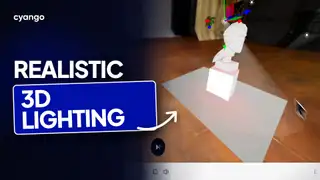
How to Use Lights, HDR & Skybox in Cyango xr/studio
Tutorial video

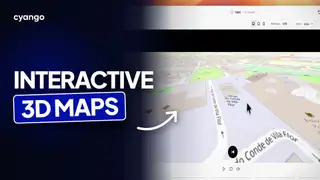
How to Use Map Scene in Cyango xr/studio
Tutorial video

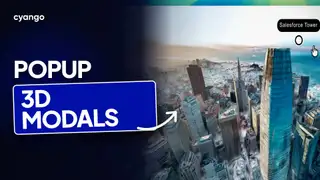
How to Use Modal Actions in Cyango xr/studio
Tutorial video

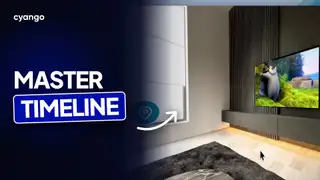
How to Use the Scene Master Timeline in Cyango xr/studio
Tutorial video
How to Use Spritesheets in WebXR
Tutorial video

How to Use Transparency on Videos
Tutorial video

How to Use the Webcam Scene in Cyango xr/studio
Tutorial video

How to use the player entity and physics with collisions
Tutorial video

Prefabs in Cyango xr/studio | Reusable content tutorial
Tutorial video

Install PWA and offline contents in Cyango | Tutorial
Tutorial video

xr/panoedit | Level, grade and export 360 panoramas
Tutorial video

Auto-translate to any language
Tutorial video

How to migrate 3DVista tour into Cyango
Tutorial video

How to use ChatGPT with Cyango | xr/studio tutorial
Tutorial video
We use cookies to improve navigation, measure usage, and support marketing features. You can accept all, reject optional cookies, or customize your choices.
Learn more about cookies and our terms